Skip to content

AI wedding decor & planning · for couples and professionals

Imagine the wedding. See the decor. Plan the day.

Put AI wedding decor on your real venue, then move from idea to decision with planning tools built for your own wedding or your next client's event.

Everything you need to bring dream weddings, stunning decor, client proposals, event budgets and venue concepts to life.

Free account · AI generation uses credits · Built for couples, planners and event teams

Start with a decor direction

See before & after
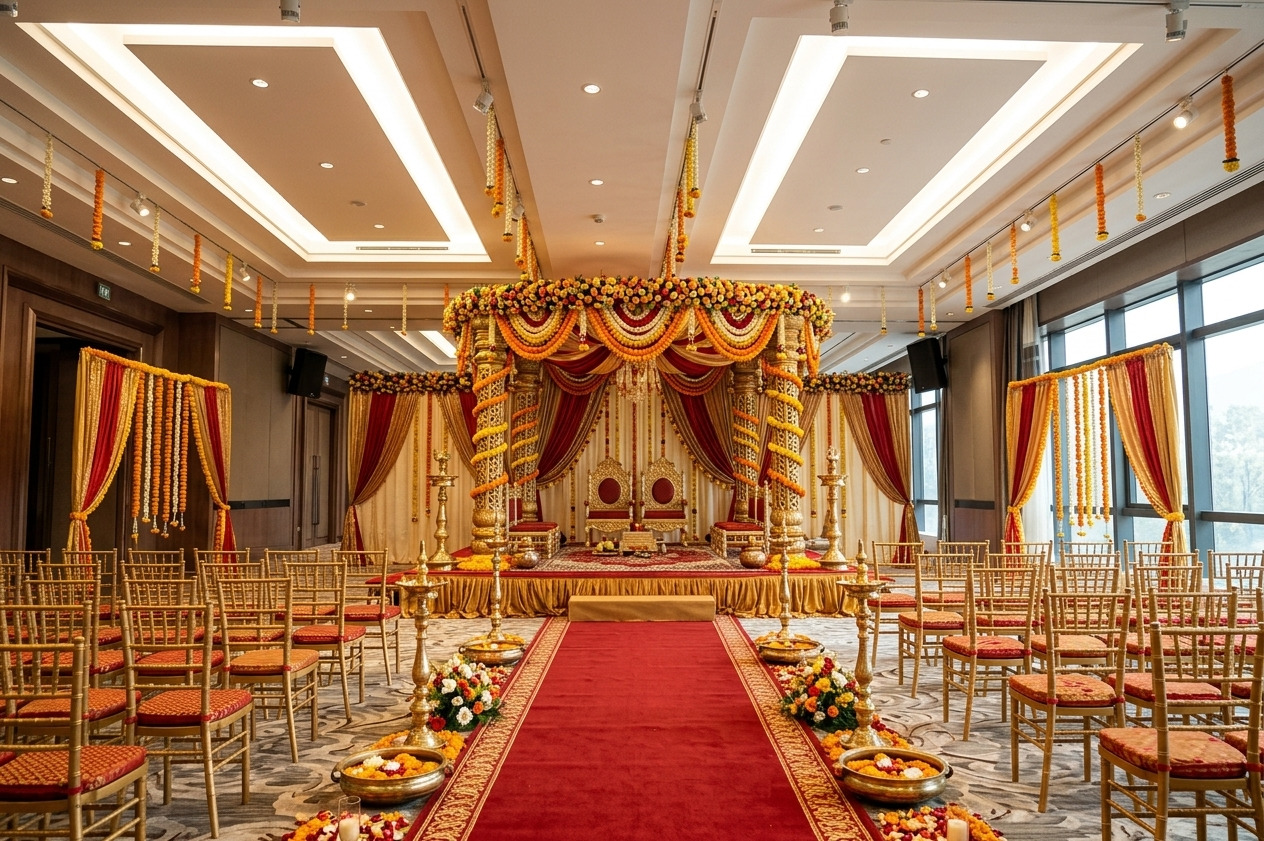
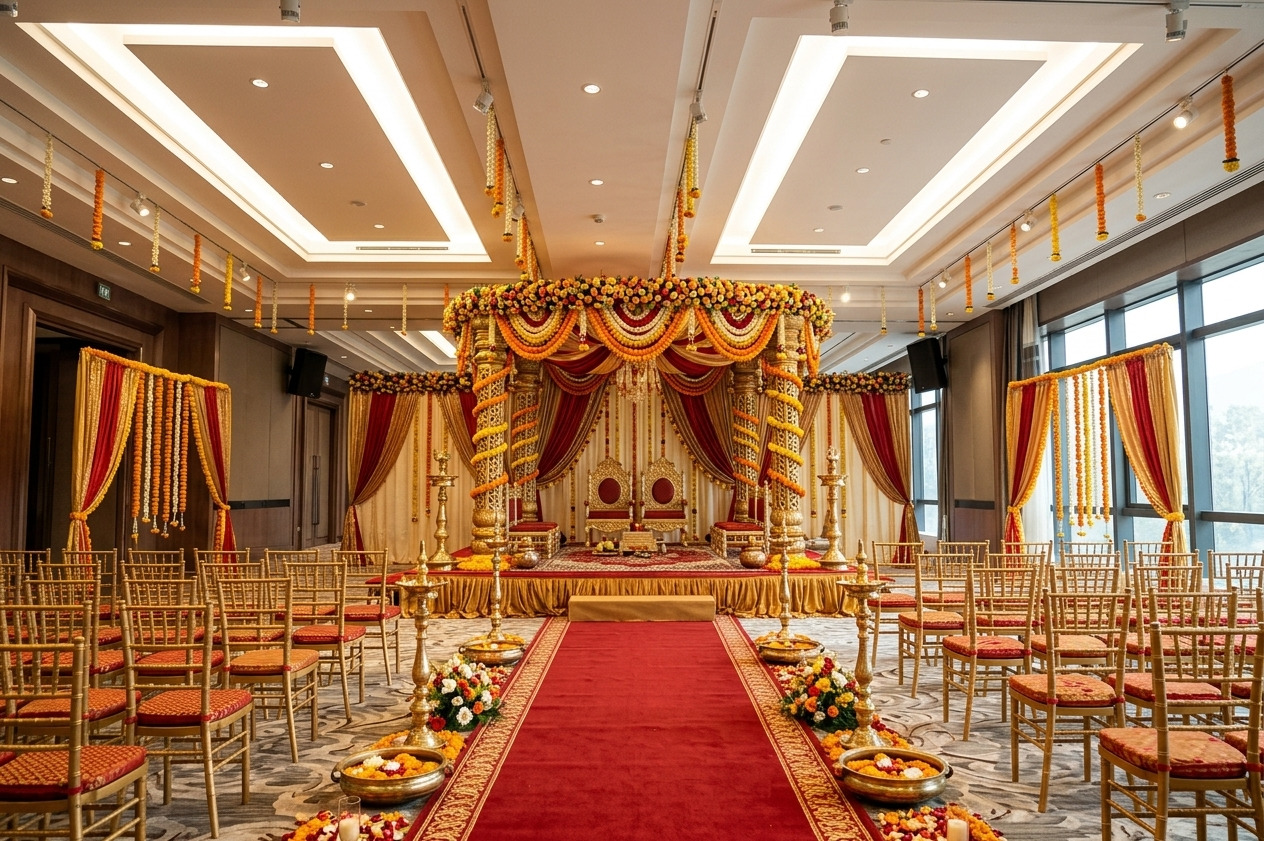
  • Windowed ballroom decorated with a red and gold Indian wedding ceremony concept

    Red & gold ceremony

    AI decor concept

  • Royal ballroom reception concept with a crystal ceiling, white head table and red carpet

    Royal ballroom reception

    AI decor concept

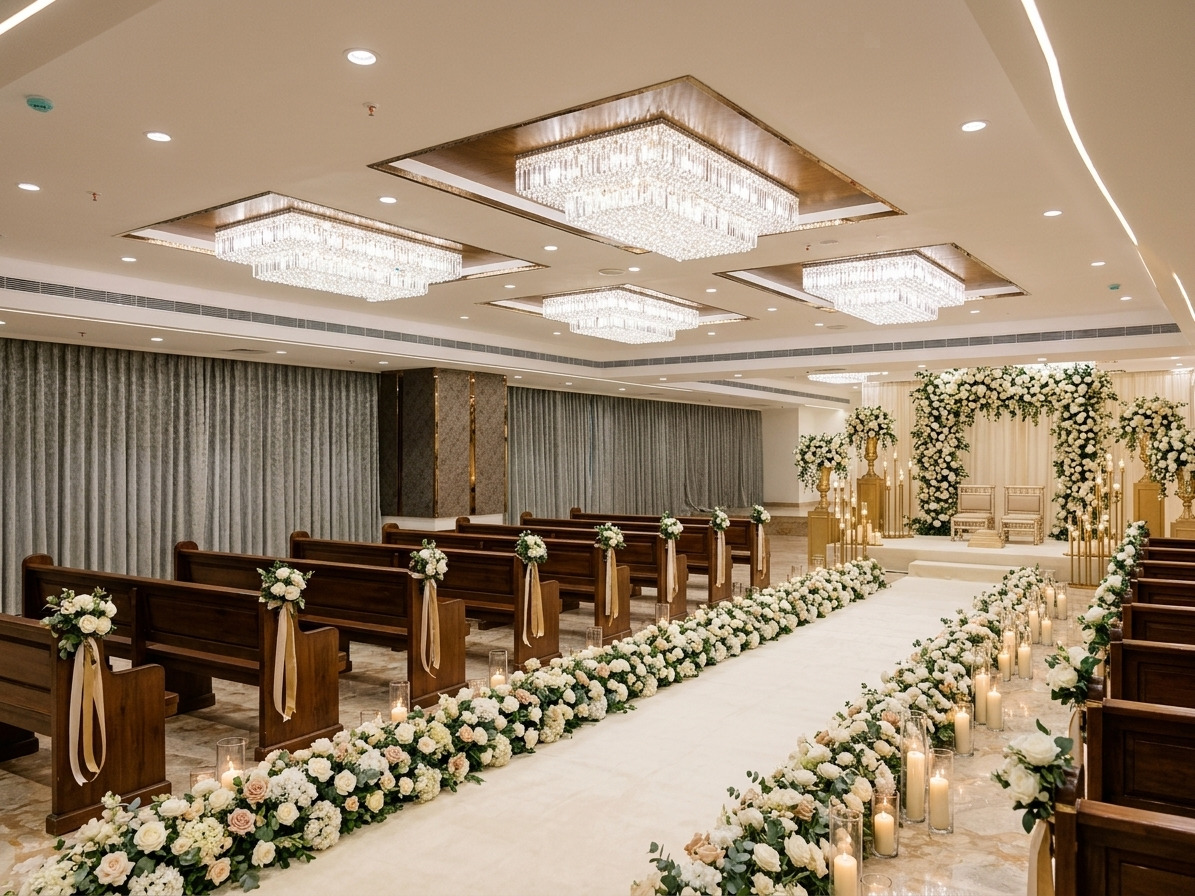
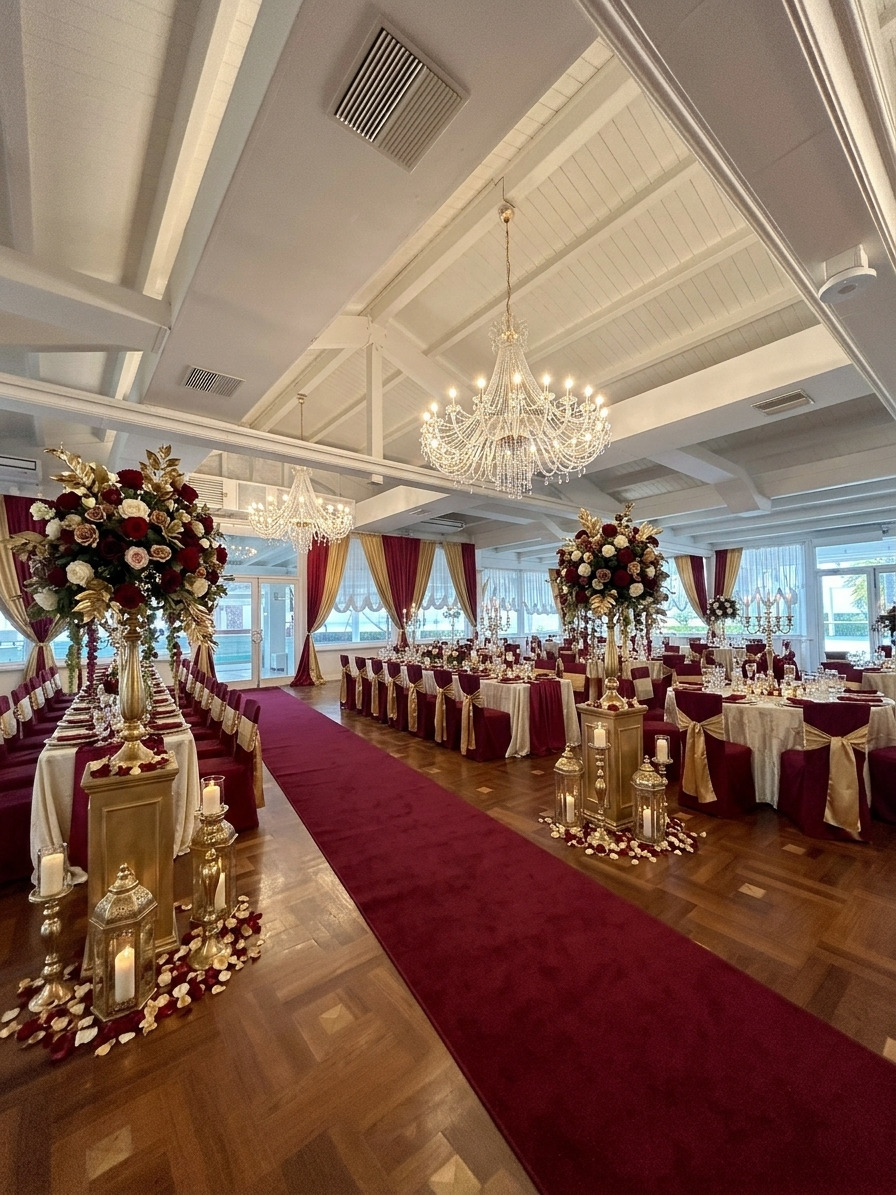
  • Chandelier ballroom concept with a golden ceiling and red floral wall draping

    Chandelier celebration

    AI decor concept

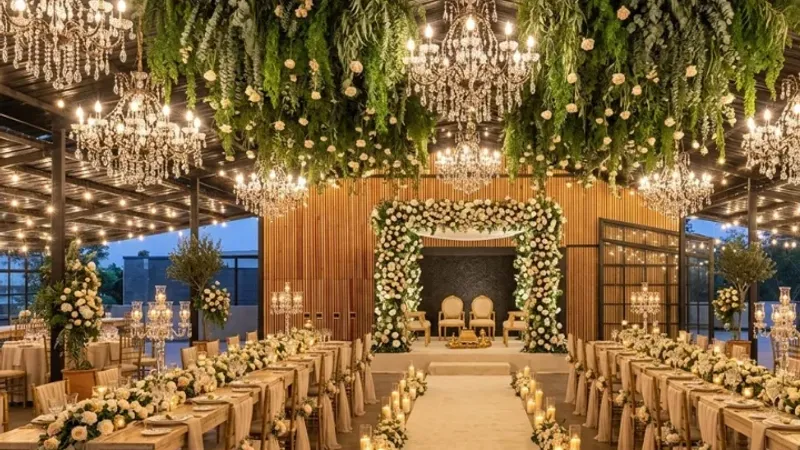
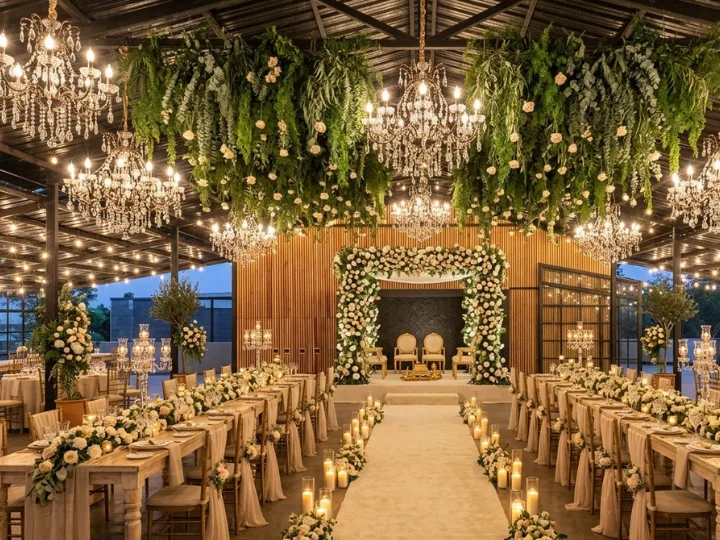
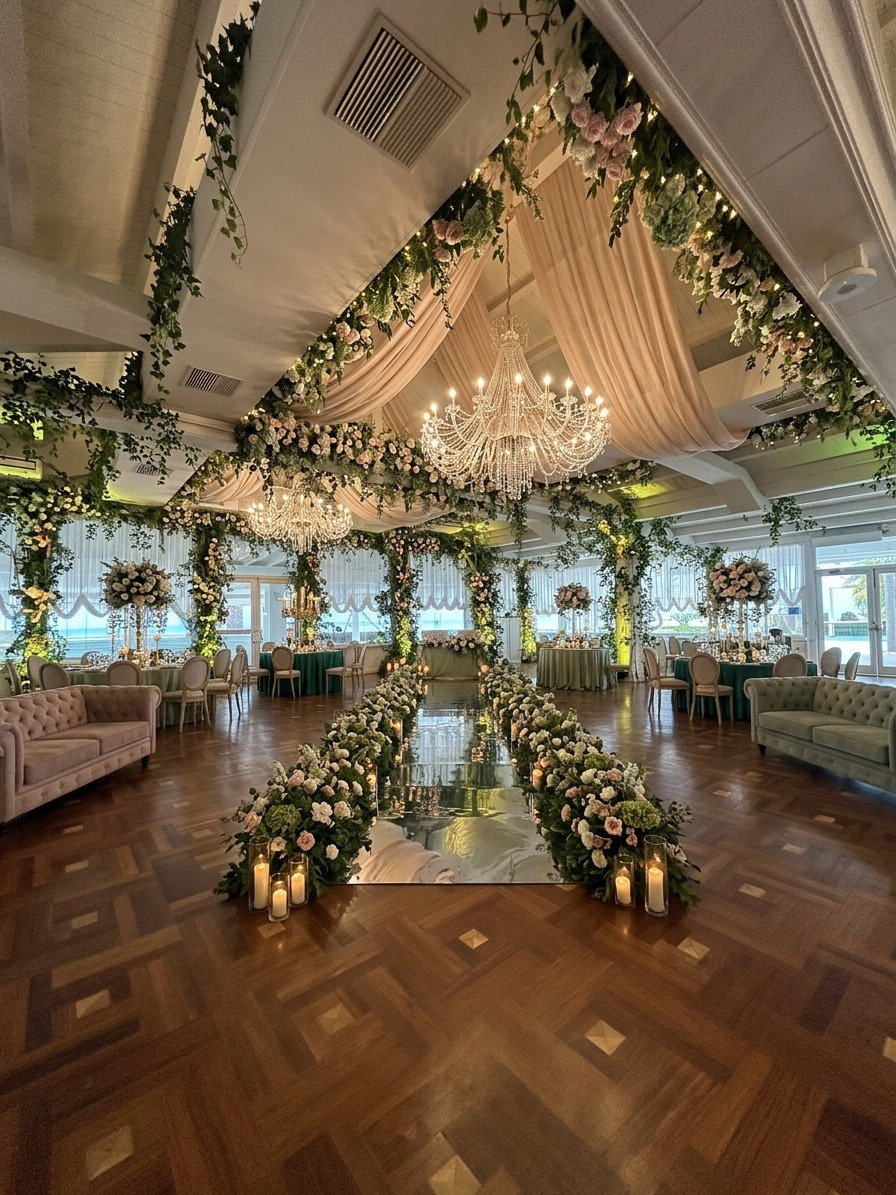
  • Garden pavilion ceremony concept with hanging greenery, chandeliers and a floral aisle

    Garden pavilion ceremony

    AI decor concept

Before & after

Your venue, with the decor switched on.

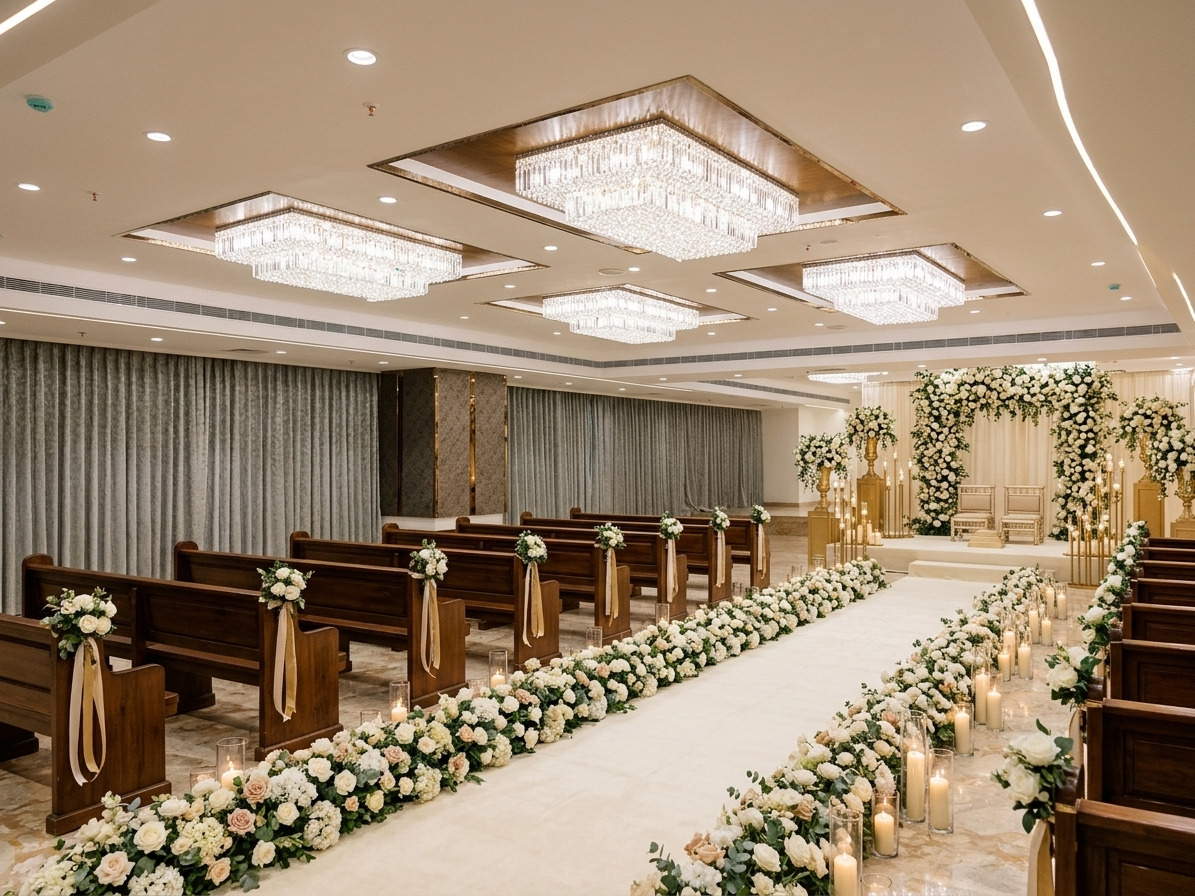
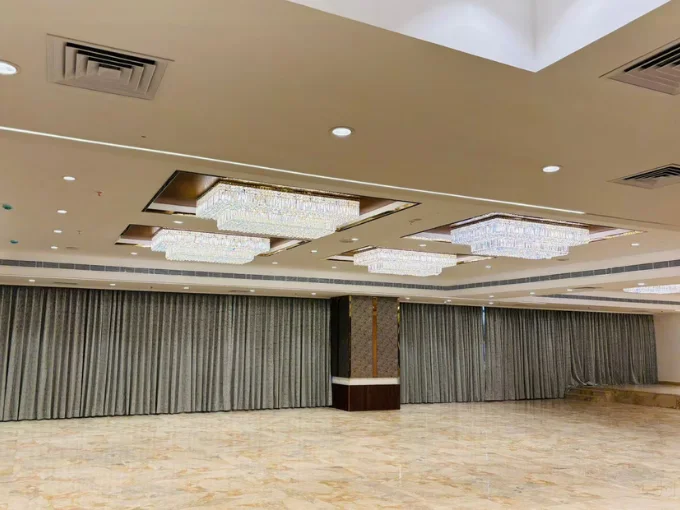
Drag each divider to compare an original room with a decorated concept. It is a clearer starting point than a folder of inspiration screenshots.

Windowed ballroom transformed with red and gold Indian wedding draping and floral ceiling detailsOriginal venueYour visionDrag to compare
Windowed ballroom — Indian ceremony concept with red and gold draping.
Chandelier ballroom decorated with a golden ceiling and red floral wall drapingOriginal venueYour visionDrag to compare
Chandelier ballroom — Reception concept with a golden ceiling and red floral walls.
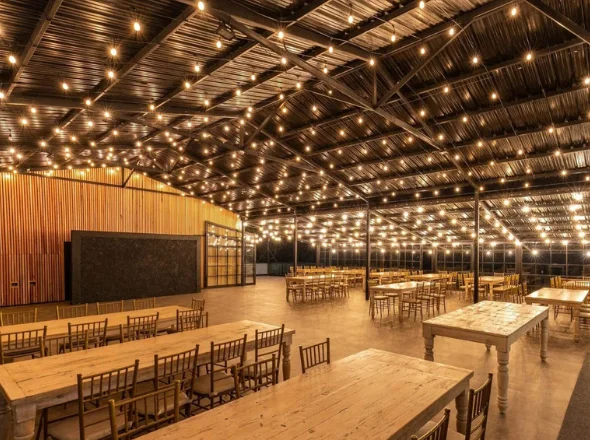
Rustic pavilion transformed with a garden ceremony aisle, chandeliers and hanging greeneryOriginal venueYour visionDrag to compare
Rustic pavilion — Garden ceremony concept with hanging greenery and chandeliers.

Demonstration comparisons created from existing WeddingCanvas venue concepts. Camera framing and styling may differ. AI concepts are visual references, not exact renders.

How it works

From “what if?” to a plan you can use.

Start with the room you already have. Explore what it could become, then use the editor and budget tools to turn the idea into something practical.

  1. 01

    Start with your venue

    Upload a real room photo and keep the architecture, angle and framing in the concept.

  2. 02

    Explore the decor

    Choose a theme, write a direction or match a reference. Generate one to four coordinated views.

  3. 03

    Make it practical

    Refine the layout, check the budget and keep the final direction ready to share.

AI decor

A decorated room, not a generic mood board.

Your venue stays the anchor. Pick a starting theme, add colors and decor elements, or write the brief yourself. Generate different directions from the same photo so you can compare, not guess.

  • Keep the room architecture, camera angle and framing in the concept.
  • Choose from nine themes or start with a blank prompt.
  • Generate one to four coordinated variations per set.
  • Work at 1K, 2K or 4K. Results are visual references and may vary.
Try it with your venue
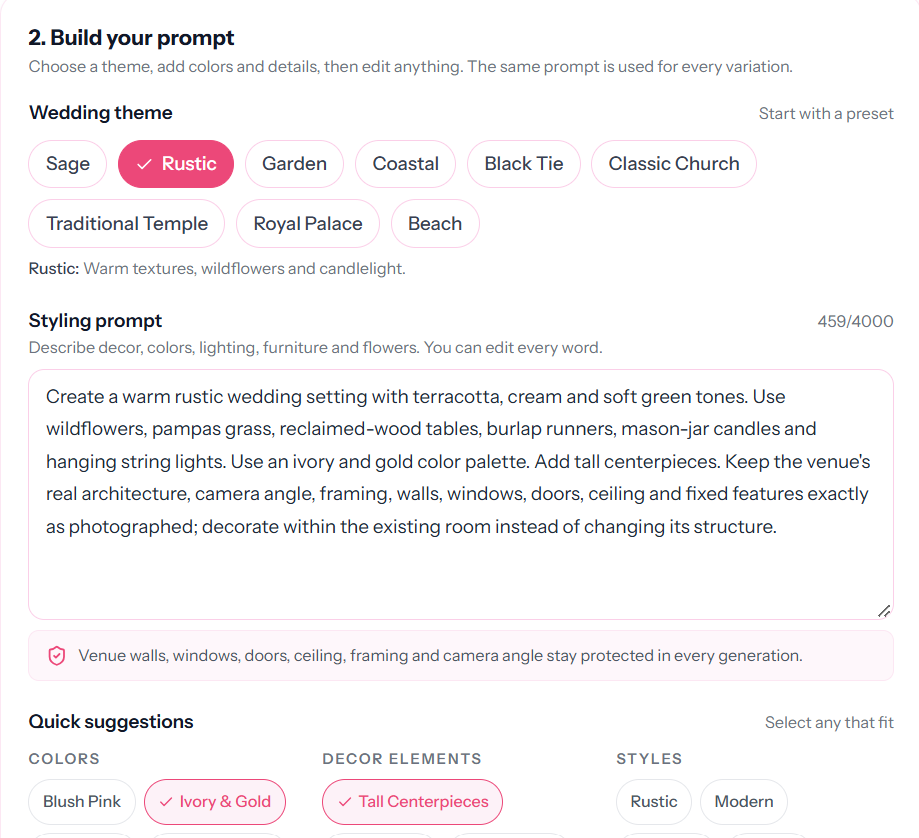
WeddingCanvasAI prompt builder with theme presets, an editable prompt and quick decor suggestions
The prompt builder: nine themes, an editable brief and quick suggestions for colors, decor and style.
Style Match example showing reference decor photos applied to a venue concept
Style Match: bring the look you love onto the room you are working with.

Style Match

“Like this, but in our venue.”

Upload a venue and reference photos — a mood board, a past event or an image your partner saved. Style Match reads the palette, textiles and decor language, then applies that direction to the actual room.

  • Use your own reference photos, not a fixed template.
  • Keep the venue in the concept while changing the styling.
  • Compare the applied direction with the original room.
  • Review materials and scale with a supplier before committing.
Match a style you already love

Planning tools

More than a picture. A working plan.

Use the free tools on their own, or connect the visual direction to a budget and a professional client workflow.

AI decor generator

See your venue in one to four coordinated decor directions from a theme or a written prompt.

Nine starting themes

From Sage and Coastal to Traditional Temple and Royal Palace, with room to edit every prompt.

Style Match

Use the palette, textiles and decor language from reference photos on the real venue.

Drag-and-drop editor

The manual editor is free. Add decor, adjust properties, save the project and export the layout.

Wedding budget calculator

A free, no-account calculator for category budgets, expenses, guest cost and CSV export.

Open the calculator

Save and download

Keep generated concepts and editor projects together so the decision does not disappear in a chat thread.

Planning for clients? Professional budgets and private client proposals live in the same workspace.

For wedding professionals

For wedding professionals

More than wedding inspiration. A complete toolkit for professionals.

Wedding planners, decorators, event managers and design studios use the same visual workflow — with professional budgets and client proposals layered on top.

Discover WeddingCanvasAI for ProfessionalsProfessional plans from $39/month
Style Match in WeddingCanvasAI showing reference images and a venue conceptAI decor

AI decor visualization

Put the concept on the actual venue, generate coordinated variations and match a reference style when the brief starts with “like this.”

  • One to four concepts from a venue photo
  • Style Match from client references
  • A manual editor for the details AI should not decide
See the visual workflow

Workspace preview · example

Aisha & Rohan · Wedding

USD
Target
$85,000
Projected
$78,400
Client price
$92,000
Margin
14.8%

2 supplier payments overdue

Professional budget calculator

Price each event separately with supplier costs, client prices, payments, contingency and margin in view.

  • Target, projected cost, actuals and remaining
  • Deposits, payment status and overdue warnings
  • CSV export and an internal print report
See professional budgets

Proposal preview · example

Garden wedding · Concept

WCP-8F2A
Investment
$92,000
Deposit
$27,600
Payments
3 scheduled
Valid until
30 days

No supplier costs or margin

Client proposal builder

Turn the scope, timeline and client-facing prices into a private proposal you can print or save as PDF.

  • Reusable templates and budget line import
  • Discount, fee and tax controls
  • Supplier costs and margin stay internal
See client proposals

Professional budgets and client proposals require one of the three professional plans. The Couples plan is for one wedding and does not include the professional workspace. Example figures are illustrative, not customer data.

Founder-led

Help shape WeddingCanvasAI

Have 10 minutes? Hop on a quick call with the founder, share honest feedback, and get free Pro credits as a thank-you.

You give ~10 min + honest feedback · You get free Pro credits

via Google Meet · Powered by Calendly

One canvas, two ways to use it

Your venue is the starting point.

See what your own wedding could look like — or give your next client a concept they can react to. Start with a photo and a free account.
Free account · AI generation uses credits · Professional plans unlock budgets and client proposals